
Technology & Tools for Life Design
iPad vs E-ink (reMarkable Paper Pro)
The Tech Toolbox: iPad vs. E-Ink (ReMarkable Paper Pro)
In today's fast-paced digital world, the tools we use can make or break our productivity. As technology has evolved, we've seen an influx of devices, each promising to be the ultimate solution for staying organized and efficient. Amo
Continue reading…
Elevate Your Daily Productivity with the Kindle Scribe
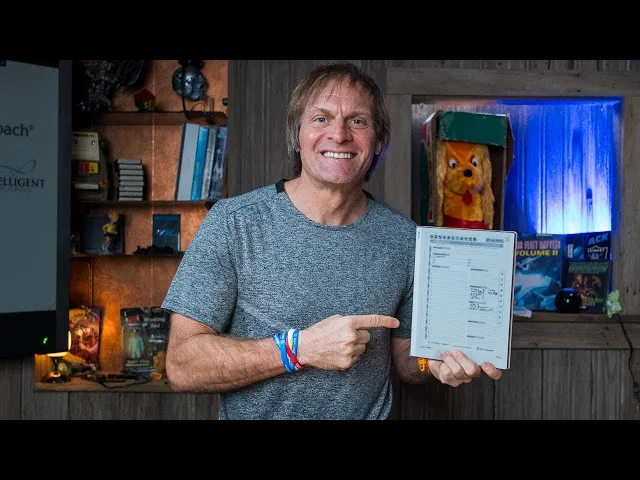
In the digital age, efficiency often hinges on the tools we employ to manage our tasks, stay organized, and maintain focus. One such revolutionary device is the Kindle Scribe, particularly beneficial for those seeking a seamless blend of traditional writing and modern digital convenience. In
Continue reading…
Mastering Productivity with the Boox Go 10.3

In an increasingly digital world, finding the right tools to boost your productivity can be a game-changer. The Boox Go 10.3 is one of those tools, and when paired with the MorningCoach "Get It Done Now" planner, it becomes an even more powerful companion in your productivity arsenal.
Continue reading…
Start 2025 Right: Structured Planning with reMarkable Tablet (Or Any E-ink Tablet)
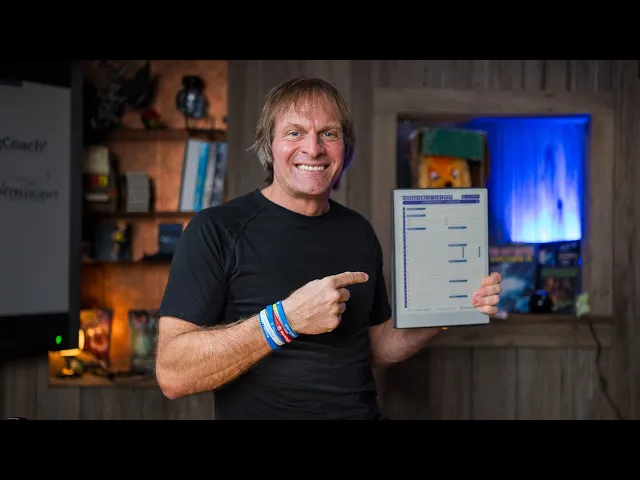
As the sun rises on the dawn of a new year, the air is charged with a sense of optimism and renewal. It's the time when people around the world eagerly set resolutions, hoping to better themselves and their lives in the coming months. But how many of these resolutions truly stick? Not many, i…
Continue reading…
Exploring Health Tech: Garmin, WHOOP, Oura Ring, and Apollo

Welcome, everyone, to another exciting episode of MorningCoach®! I'm your host, JB Glossinger, and today, we're diving into the world of health tech. I'll share some of my go-to tools for daily health tracking, including the Garmin Fenix 8, WHOOP, Oura Ring, and a nifty device called the Apollo. ...
Continue reading…
SO I am Clueless on BOOX and the reMarkable 2?
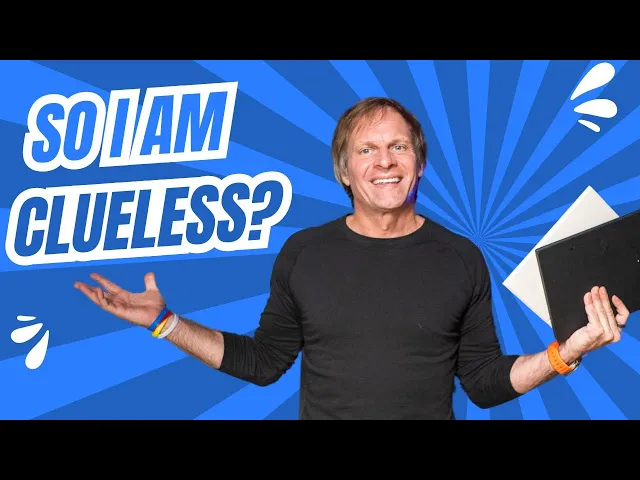
In a recent video, I discussed my insights and use cases for the Onyx Boox 10.3 and the reMarkable 2 tablets. These devices have garnered attention, particularly among professionals who require efficient note-taking and workflow integration solutions.
Continue reading…
How to Screenshot on Windows

Learn how to capture images of your screen on a Windows PC using the built-in Snip & Sketch tool or keyboard shortcuts. Quickly save, edit or share screenshots for tech help, tutorials, notes and more.
Continue reading…
How to Screenshot on a Mac
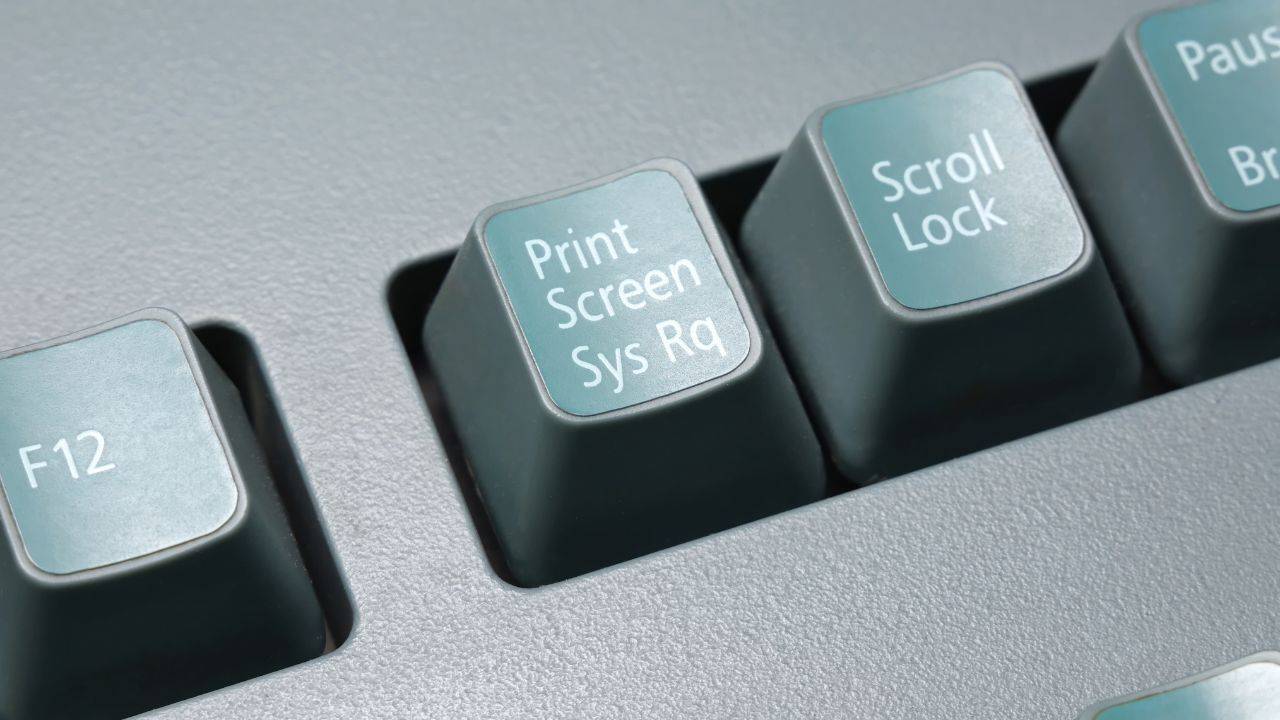
Capturing images on your Mac's screen is easy with just a few handy keyboard shortcuts. Learn how to take full screenshots, crop images, capture touchbars, record videos, and annotate using the built-in tools. This simple guide covers all the screenshot basics for any Mac model.
Continue reading…
The Evolution of Communication in the Digital Age

Technology has fundamentally changed how we communicate. From texting to social media to video calls, innovations have profoundly impacted interaction.
Continue reading…
iPad vs E-ink (reMarkable Paper Pro)
The Tech Toolbox: iPad vs. E-Ink (ReMarkable Paper Pro)
In today's fast-paced digital world, the tools we use can make or break our productivity. As technology has evolved, we've seen an influx of devices, each promising to be the ultimate solution for staying organized and efficient. Amo
Continue reading…
Elevate Your Daily Productivity with the Kindle Scribe
In the digital age, efficiency often hinges on the tools we employ to manage our tasks, stay organized, and maintain focus. One such revolutionary device is the Kindle Scribe, particularly beneficial for those seeking a seamless blend of traditional writing and modern digital convenience. In
Continue reading…
Mastering Productivity with the Boox Go 10.3
In an increasingly digital world, finding the right tools to boost your productivity can be a game-changer. The Boox Go 10.3 is one of those tools, and when paired with the MorningCoach "Get It Done Now" planner, it becomes an even more powerful companion in your productivity arsenal.
Continue reading…
Start 2025 Right: Structured Planning with reMarkable Tablet (Or Any E-ink Tablet)
As the sun rises on the dawn of a new year, the air is charged with a sense of optimism and renewal. It's the time when people around the world eagerly set resolutions, hoping to better themselves and their lives in the coming months. But how many of these resolutions truly stick? Not many, i…
Continue reading…
Exploring Health Tech: Garmin, WHOOP, Oura Ring, and Apollo
Welcome, everyone, to another exciting episode of MorningCoach®! I'm your host, JB Glossinger, and today, we're diving into the world of health tech. I'll share some of my go-to tools for daily health tracking, including the Garmin Fenix 8, WHOOP, Oura Ring, and a nifty device called the Apollo. ...
Continue reading…
SO I am Clueless on BOOX and the reMarkable 2?
In a recent video, I discussed my insights and use cases for the Onyx Boox 10.3 and the reMarkable 2 tablets. These devices have garnered attention, particularly among professionals who require efficient note-taking and workflow integration solutions.
Continue reading…
How to Screenshot on Windows
Learn how to capture images of your screen on a Windows PC using the built-in Snip & Sketch tool or keyboard shortcuts. Quickly save, edit or share screenshots for tech help, tutorials, notes and more.
Continue reading…
How to Screenshot on a Mac
Capturing images on your Mac's screen is easy with just a few handy keyboard shortcuts. Learn how to take full screenshots, crop images, capture touchbars, record videos, and annotate using the built-in tools. This simple guide covers all the screenshot basics for any Mac model.
Continue reading…
The Evolution of Communication in the Digital Age
Technology has fundamentally changed how we communicate. From texting to social media to video calls, innovations have profoundly impacted interaction.
Continue reading…

Get Started
Start Operating at a Higher Level
Start Operating at a Higher Level
Start Operating at a Higher Level
MorningCoach® is a professional operating system for founders, CEOs, and high-performing professionals who already invest in tools — and want a system that makes those tools work together.
This is not a course.
This is not motivation.
It’s a professional operating system.
MorningCoach® gives you a repeatable framework for clarity, execution, and long-term momentum — supported by planning tools, structured coaching, and a peer community that operates at a high standard.
You don’t need to “fix” yourself.
You need a system that matches how professionals think, plan, and execute.
Choose the operating cadence that fits how you work — weekly or daily — and put a proven system to work immediately.
FAQs
Frequently Asked Questions
Frequently Asked Questions
Frequently Asked Questions
What is MorningCoach®?
What are the membership levels?
Which level should I start with?
What is the Companion software?
Does Companion have a trial?
Do I need the book to use MorningCoach®?
What’s the MorningCoach® CoachCast?
How do I cancel?
Is there advertising or sponsors?
Do I need to be tech-savvy?
Still have a question?
Get in touch with us and let's discuss it.

Helping purpose-driven people design better mornings — and better lives — since 2005.
© MMXXVI The Alive Foundation Inc. All rights reserved.
1-800-277-0498
Helping purpose-driven people design better mornings — and better lives — since 2005.
© MMXXVI The Alive Foundation Inc. All rights reserved.
1-800-277-0498
Helping purpose-driven people design better mornings — and better lives — since 2005.
© MMXXVI The Alive Foundation Inc. All rights reserved.
1-800-277-0498
Helping purpose-driven people design better mornings — and better lives — since 2005.
© MMXXVI The Alive Foundation Inc. All rights reserved.
1-800-277-0498
Helping purpose-driven people design better mornings — and better lives — since 2005.
© MMXXVI The Alive Foundation Inc. All rights reserved.
1-800-277-0498
Helping purpose-driven people design better mornings — and better lives — since 2005.
© MMXXVI The Alive Foundation Inc. All rights reserved.
1-800-277-0498